How to install your eSIM on Android
Setting up your eSIM takes less than 5 minutes. Ideally, do it before you leave: that way, you can make sure your eSIM is properly installed on your phone.
Make sure you have a stable internet connection. The process can take up to 15 minutes.
1
Open the voilà app, then go to your eSIM page.
2
Tap on "Install eSIM": you'll be redirected to your phone's settings and the eSIM will download automatically.
3
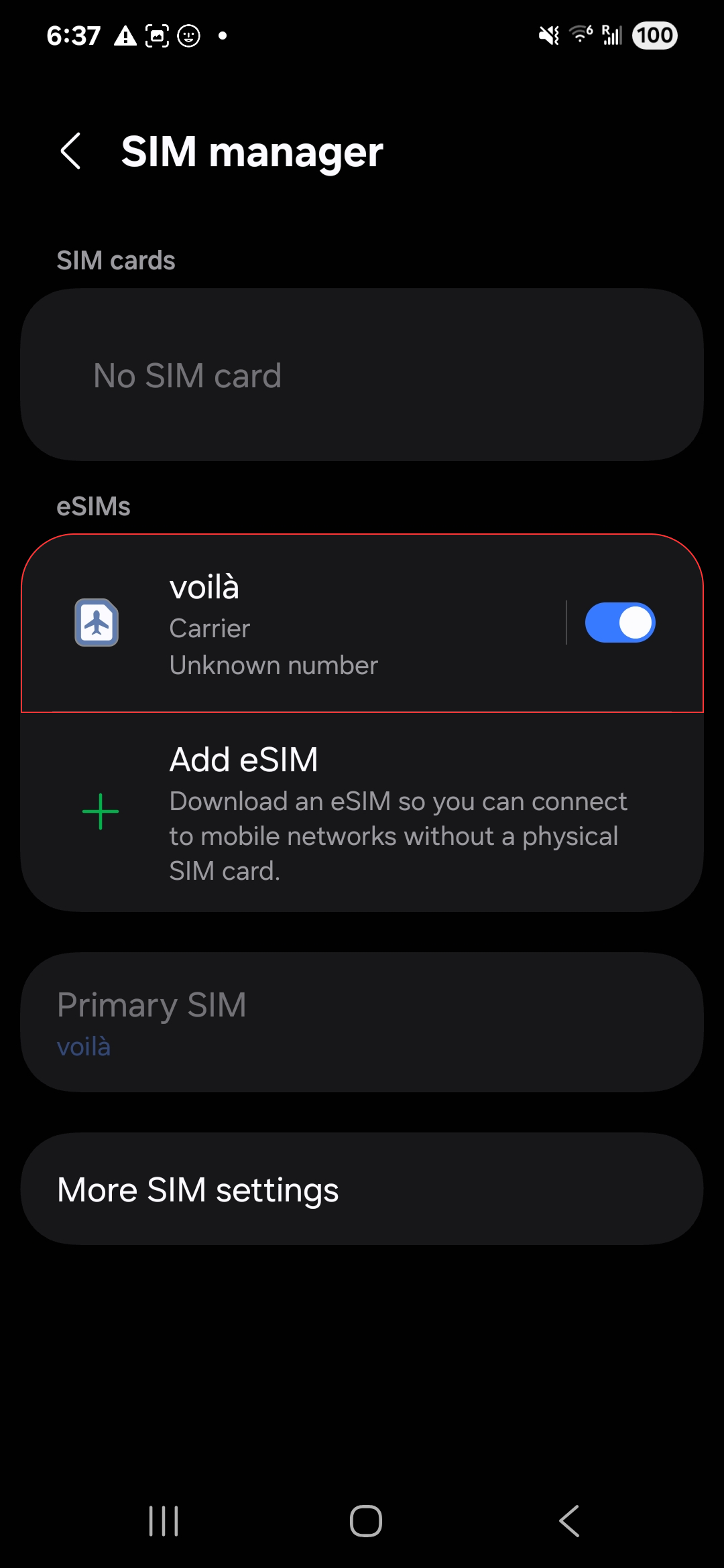
Once you've installed your eSIM, it will show up in your SIM Manager.
4
Its name might be random: rename it with the name of your destination so you can remember it.
Still preparing your trip and want to understand everything about eSIM? Read our complete eSIM installation guide.